
EGYM at Olympia – Frequently Asked Questions
Getting Started with EGYM
What is EGYM?
EGYM combines smart gym equipment, personalised training plans and progress tracking to help you get more from your workouts. At Olympia, you can use the EGYM Fitness Hub to understand your current fitness levels, Smart Strength machines to guide your strength training, and the EGYM Fitness App to access your workouts and monitor your progress.
How do I get started with EGYM?
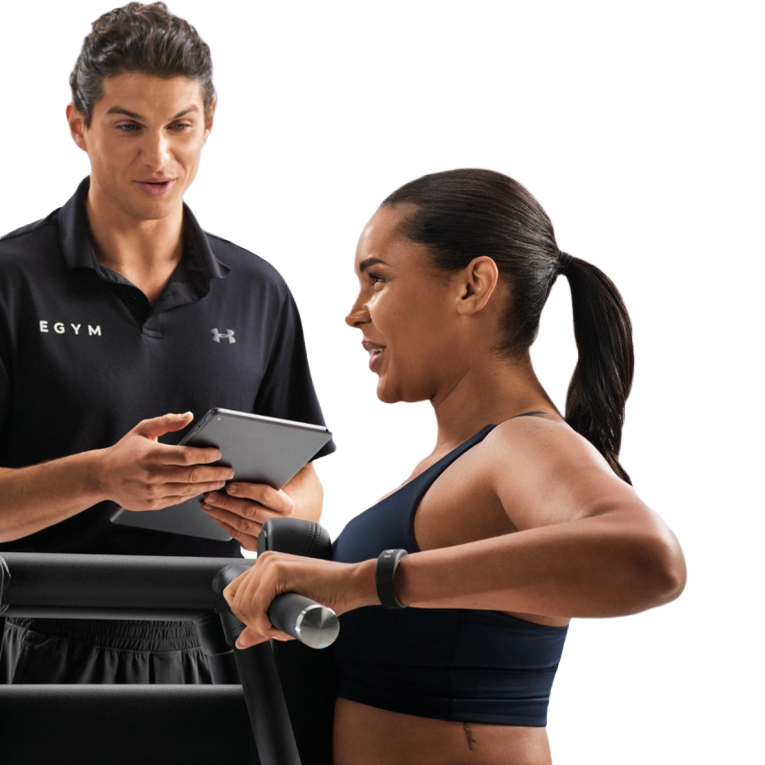
To get the most from EGYM, download the EGYM Fitness App and complete your onboarding through the Fitness Hub. This helps you establish your starting point and access a more personalised training experience. We highly recommend booking one of our staffed onboarding sessions to get the full experience and answer any questions you may have around the process or kit.
Do I need to complete onboarding before using the Smart Strength machines?
No. If you don’t have an EGYM account or haven’t completed your onboarding, you can still get started using Guest Mode.
Simply select ‘Start Training’ on the machine’s touchscreen, enter your height when prompted so the machine can adjust to fit you, and follow the on-screen instructions.
For a more personalised experience, we recommend completing your EGYM onboarding when you can.
What do I need to bring to my Onboarding?
Just yourself, wearing your usual gym kit with some water. Please keep a note of the password you created when setting up your EGYM account as you'll need this to log into the Fitness Hub and kit for the first time. If you have an RFID enabled membership card or accessory (sticker, fob or band) please bring this too as you'll use it to tap into the kit at each visit.
Do I need the EGYM Fitness App?
We recommend downloading the EGYM Fitness App to get the most from your experience. It allows you to access personalised workouts, view your training information and track your progress over time.
You can still get your BioAge and use the kit without using the app as long as you have an email address as we will assign you a temporary pin.
What club name should I use when setting up my EGYM account?
When prompted to enter your club name during setup, enter:
activedundeeolympia
Make sure you enter the club name exactly as shown.
Understanding Your BioAge
What is BioAge?
BioAge is a fitness indicator that helps you understand how your body is performing compared with an age-based benchmark. It brings together different elements of fitness to help you identify your strengths, areas for improvement and progress over time.
Your results can help guide your training and give you a clearer picture of how your fitness is developing.
What is the lowest BioAge I can achieve?
The lowest BioAge displayed is 21. This is the benchmark used by EGYM, so even if your actual age is below 21, your BioAge will not display a score lower than this.
Reaching a BioAge of 21 doesn’t mean you can’t improve further. You can continue to build strength, improve your performance and track progress through your other EGYM results.
Can under-18s use EGYM?
Anyone from age 14 plus can use EGYM!
Under 18s can use the Fitness Hub but can NOT use the Body Composition option during the initial assessment and must select 'measure weight' instead.
All Youth Inductions for 14&15 year olds for new members will feature an EGYM onboarding and we strongly recommend existing teen members book at Onboarding with one of the team as well.
Using the Smart Strength Machines
How do the Smart Strength machines work?
EGYM Smart Strength machines use technology to personalise your strength workout. Once you’re set up, the machines can adjust to your individual settings and training plan, helping you exercise with the appropriate range of movement and resistance.
The on-screen guidance takes you through each exercise, helping you focus on your technique and progress.
Do I need to adjust the machines myself?
The Smart Strength machines are designed to make getting set up easier. Once your personal settings have been established, the machines can automatically adjust to you when you start your workout.
If you’re using Guest Mode, follow the on-screen instructions and ask a member of the fitness team if you need help with your positioning or settings.
Can beginners use EGYM?
Absolutely! EGYM is designed to support a range of fitness levels, including people who are new to strength training.
The guided instructions and personalised approach can help you get started with greater confidence. If you’re unsure which exercises are right for you, our fitness team can offer advice.
EGYM and Cardio Equipment
Can I use EGYM with the cardio machines?
Yes. EGYM can connect your training experience across compatible cardio equipment and Smart Strength machines, helping you keep track of your fitness and progress.
How do I use my RFID card or fob on the cardio equipment?
On compatible cardio machines, use your physical RFID-enabled membership card or fob at the designated reader to identify yourself and access the available personalised features. Just follow the instructions displayed on the machine’s touchscreen.
Tracking Your Progress
How can I track my progress?
Your EGYM Fitness App brings your training information together, allowing you to view your workouts and monitor your progress over time.
As you continue training, your results can help you understand what’s improving and where you might want to focus next.
How often should I check my BioAge?
We recommend checking your progress around 4–6 weeks after your initial BioAge assessment. This gives you time to build consistency with your training and work towards your goals.
Remember, progress is about more than one score. Improvements in strength, technique and workout consistency are worth celebrating too.
What should I do if I need more help?
If you have any questions about EGYM, your account or your training plan, speak to a member of the Olympia fitness team. We’ll be happy to help you get started and make the most of your new training experience.
Ready to Get Started?
Getting started with EGYM is simple! Firstly, download the EGYM Fitness App, then book your onboarding.